
Revit is handling the tedious part of the project
Self-generating documentation, repetitive batch tasks, and engineering calculations within the model. Free: Download and use all the tools today.
Download for free View all buttons Latest Installers
Does your office have its own workflow? Discover the custom plugin
Some buttons in action
Automatic Quota
Generates rental quotas based on the saved configuration, without having to click point by point.
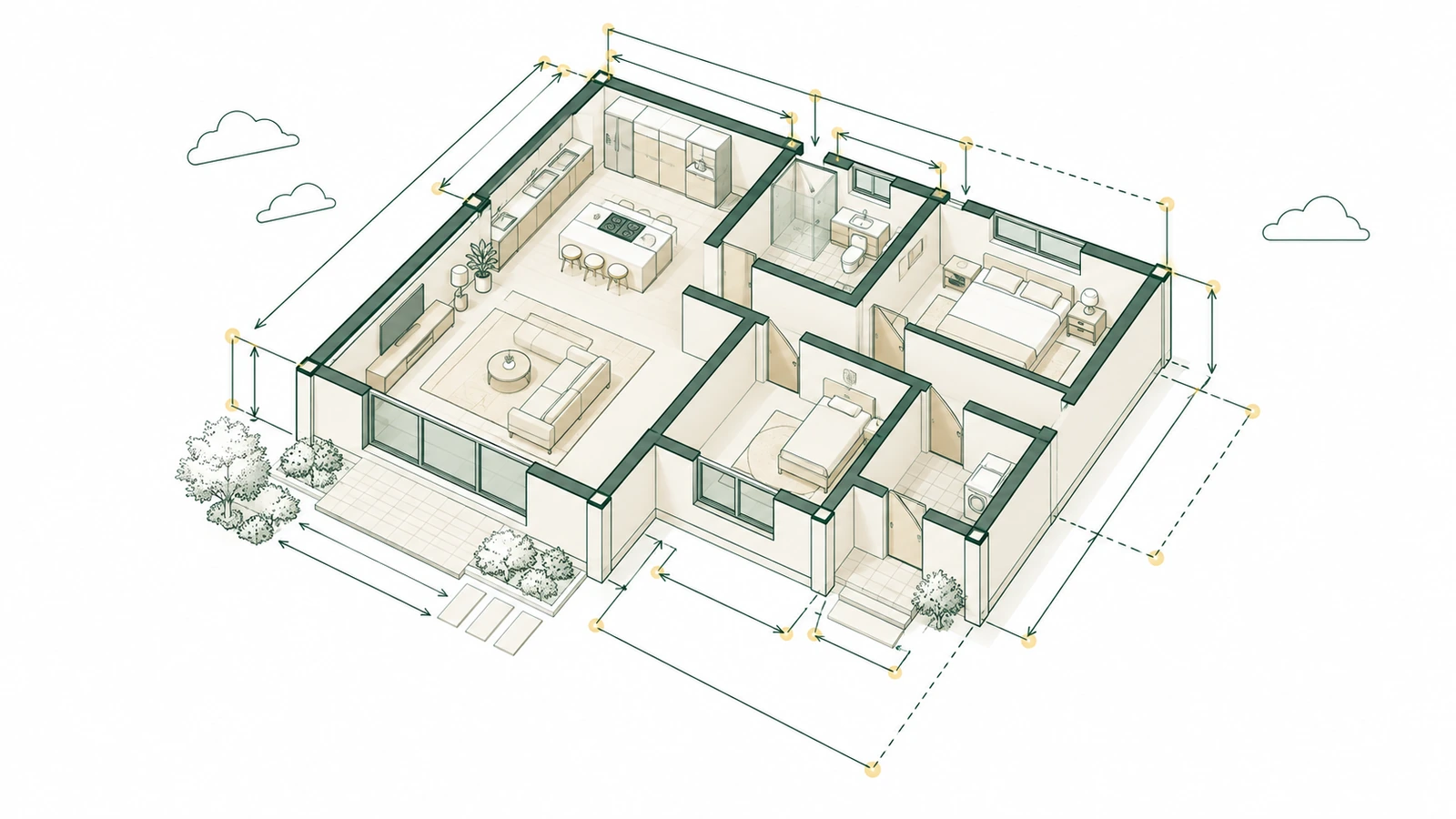
Generate Views
Creates plants, extensions, and cuts based on environments or a selection—in batches and with standardized naming conventions.
Board Manager
Assemble the drawings using a template and automatically position the views.
DXF/PDF Legend
Import a DXF or PDF (stamp, standard detail, note) into a Revit legend view, ready to go to the drawing board.
Export Surfboards
Bulk export drawings in PDF, DWG, and DWF formats, with filenames formatted according to your standards and automatically organized into subfolders.
Export Tables
The "Export" button: exports the template's tables to Excel (.xlsx) in batches, ready for a quote and a bill of materials.
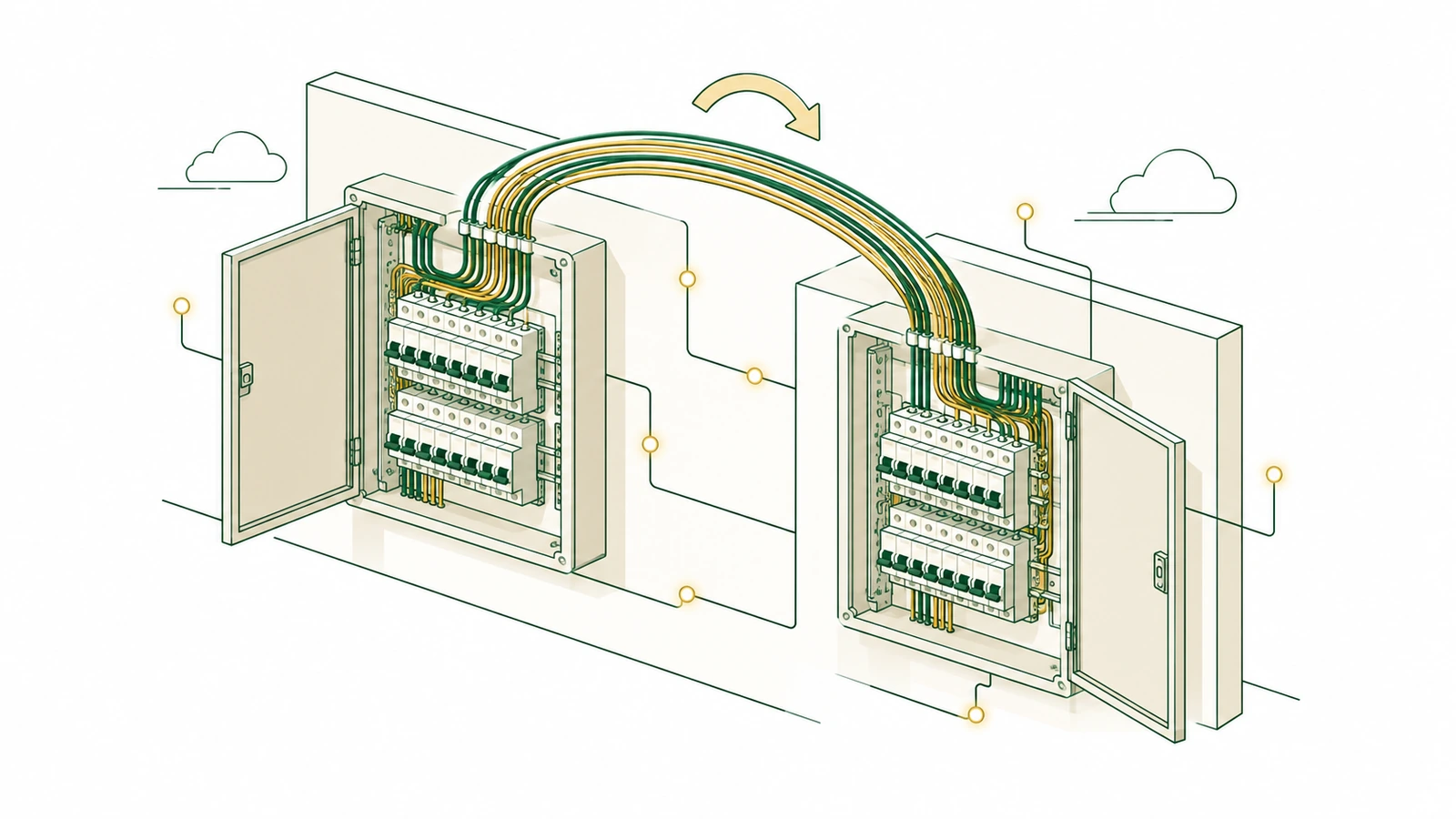
Transfer Circuits
Move circuits from one distribution panel to another in a single operation—and a single Ctrl+Z undoes everything.
View all buttons
The complete list of add-ins, panel by panel, is provided below.
What's included in the add-in, panel by panel
The same ribbon layout as in Revit. The list is updated with each new version of the add-in.

Tools
Model, constraints, views, sheets, dimensions, and export.
- Transfer State
- Copy Properties
- Copy Between Projects
- Links
- P-LAB Dashboard
- Clear Groups
- Identify Painting
- Align North
- DXF/PDF Legend
- Generate Views
- Board Manager
- Automatic Quota
- Quota Settings
- Export
- Support
- Transfer Parameters Coming soon
- Remove Duplicates Coming soon
- Align Tags / Spots Coming soon
- List Details Coming soon
- Sort Viewports Coming soon
- Memory Selection Coming soon
- Visibility Links Coming soon
- Export Worksets Coming soon
MEP
Electrical and plumbing systems comply with Brazilian standards, as specified in the model.
- Electrical
- Connecting Pipes
- Occupancy Rate
- Take Notes on Circuits, Connectors, and Circuit Breakers Coming soon
- Frames: Monitor and Resize Coming soon
- NBR 5410 Tester Coming soon
- Sketch → Plumbing and Sanitation Coming soon
- Vertical lines, brackets, and flow arrows Coming soon
- NBR 8160 / 5626 Tester Coming soon
PLAB Assistant
Paid
The AI that reads and modifies your Revit model. It comes with P-LAB OS and P-LAB Viewer. View the plan.
Custom plugin
Custom-made
Need a button that isn't on the list? We'll customize the plugin to fit your firm's workflow, template, and families.
Closed as proposed, in accordance with the scope. How It Works.
Request a quoteTools for Navisworks and Civil 3D
Currently in development and sold separately from the free add-in. Contact P-LAB to purchase or stay updated on the release.
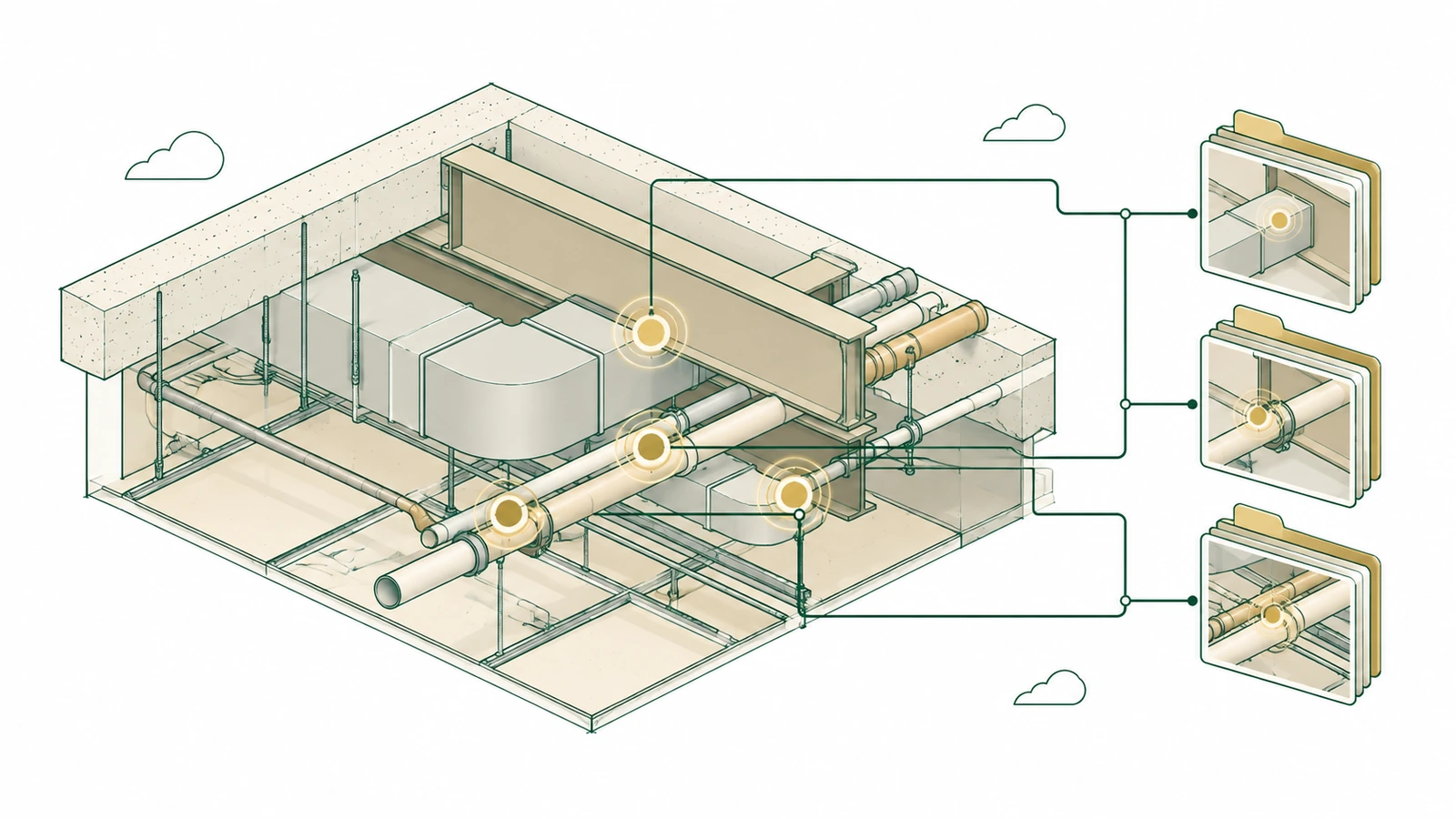
Clash Works
 Navisworks In development
It runs batch interference checks, groups conflicts by level, axis, and discipline, and generates HTML and BCF reports that open directly in Revit.
Quantification for the "P-LAB OS"
Navisworks In development
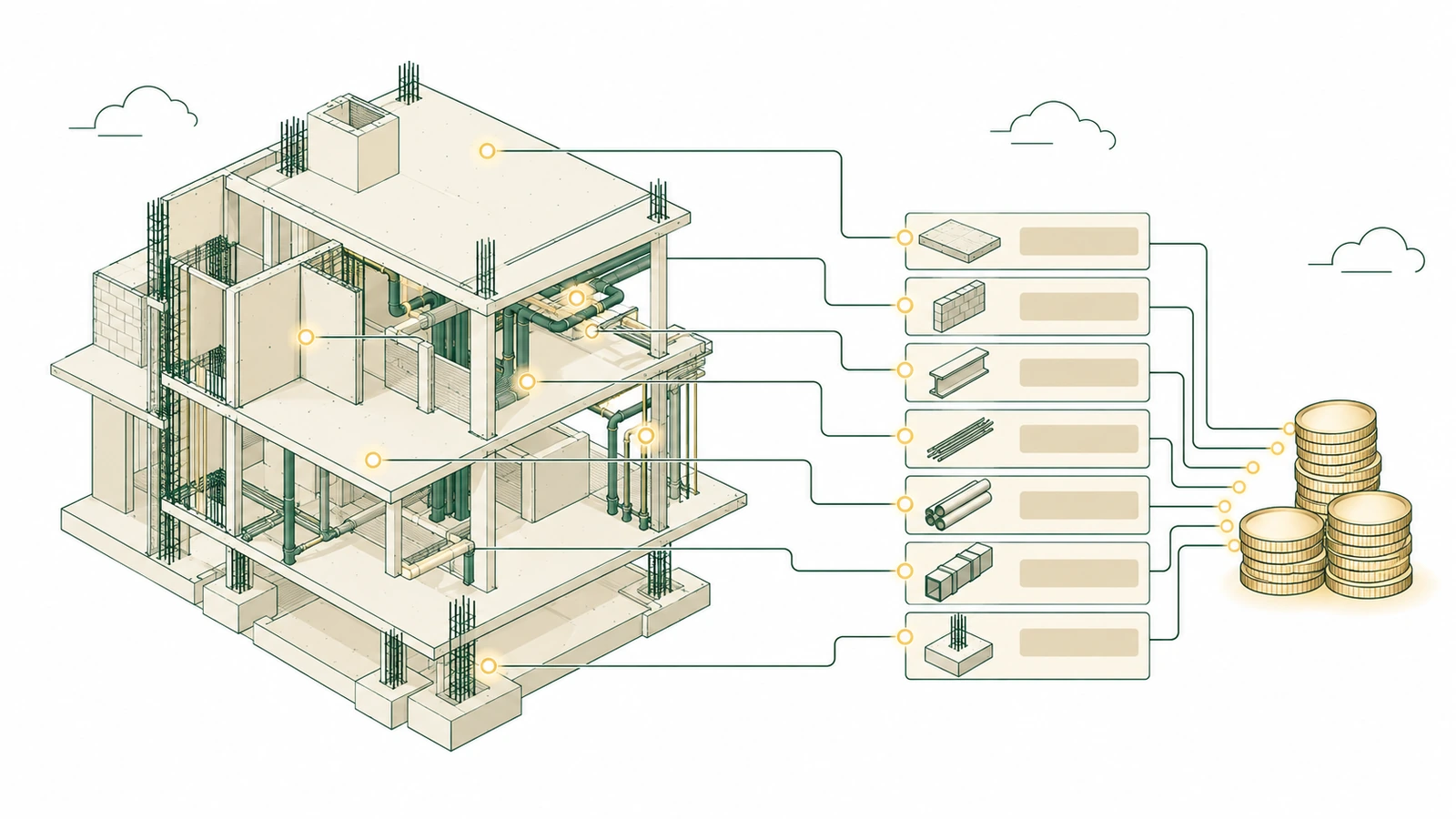
Import your service catalog into Quantification and send the quantities from the model to the P-LAB OS cost module.
Route Checker
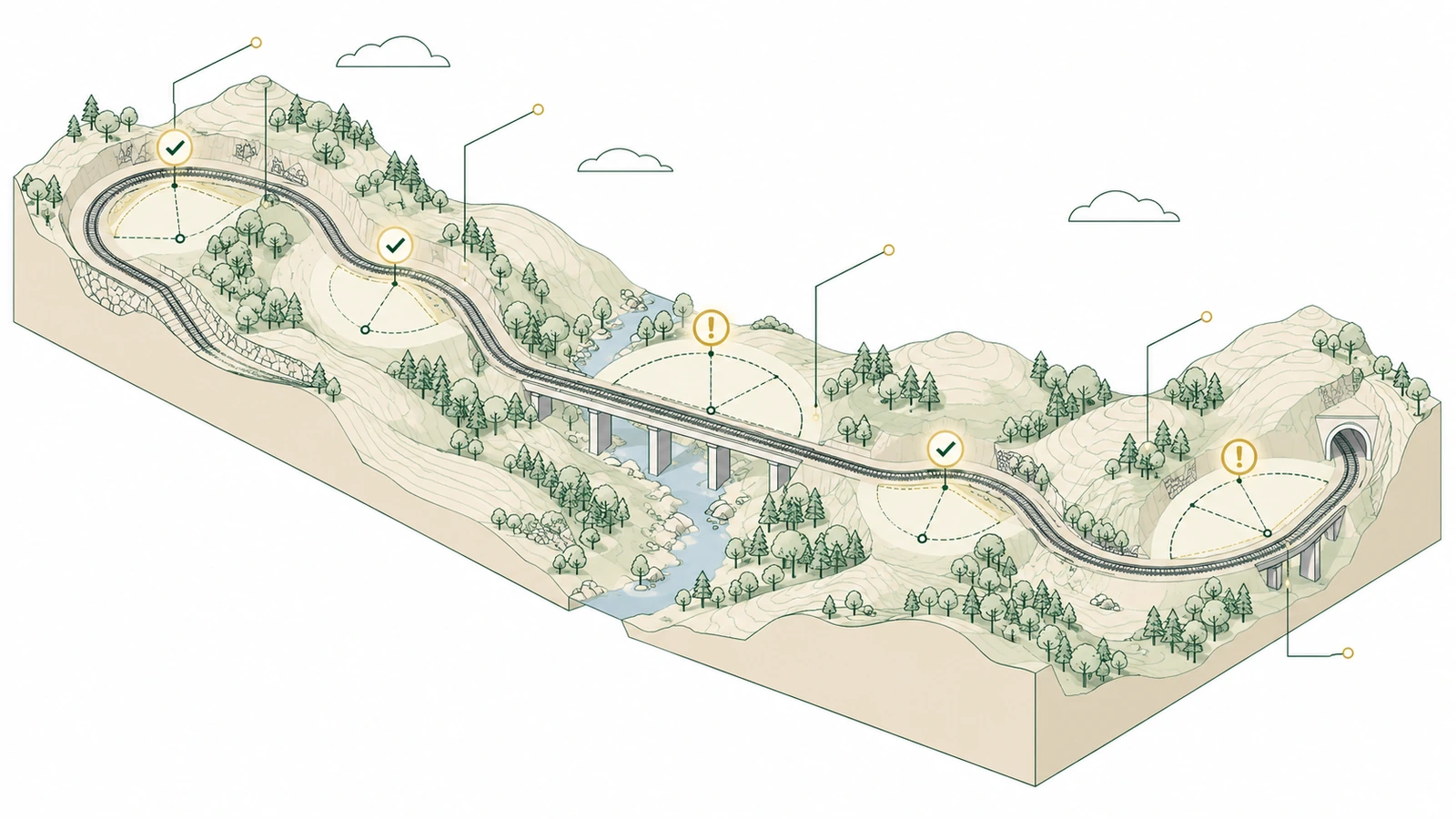
 Civil 3D In development
It checks the radius, transition, superelevation, and ramps of each curve against the standard, recalculates the Civil 3D values, and identifies what needs to be reviewed.
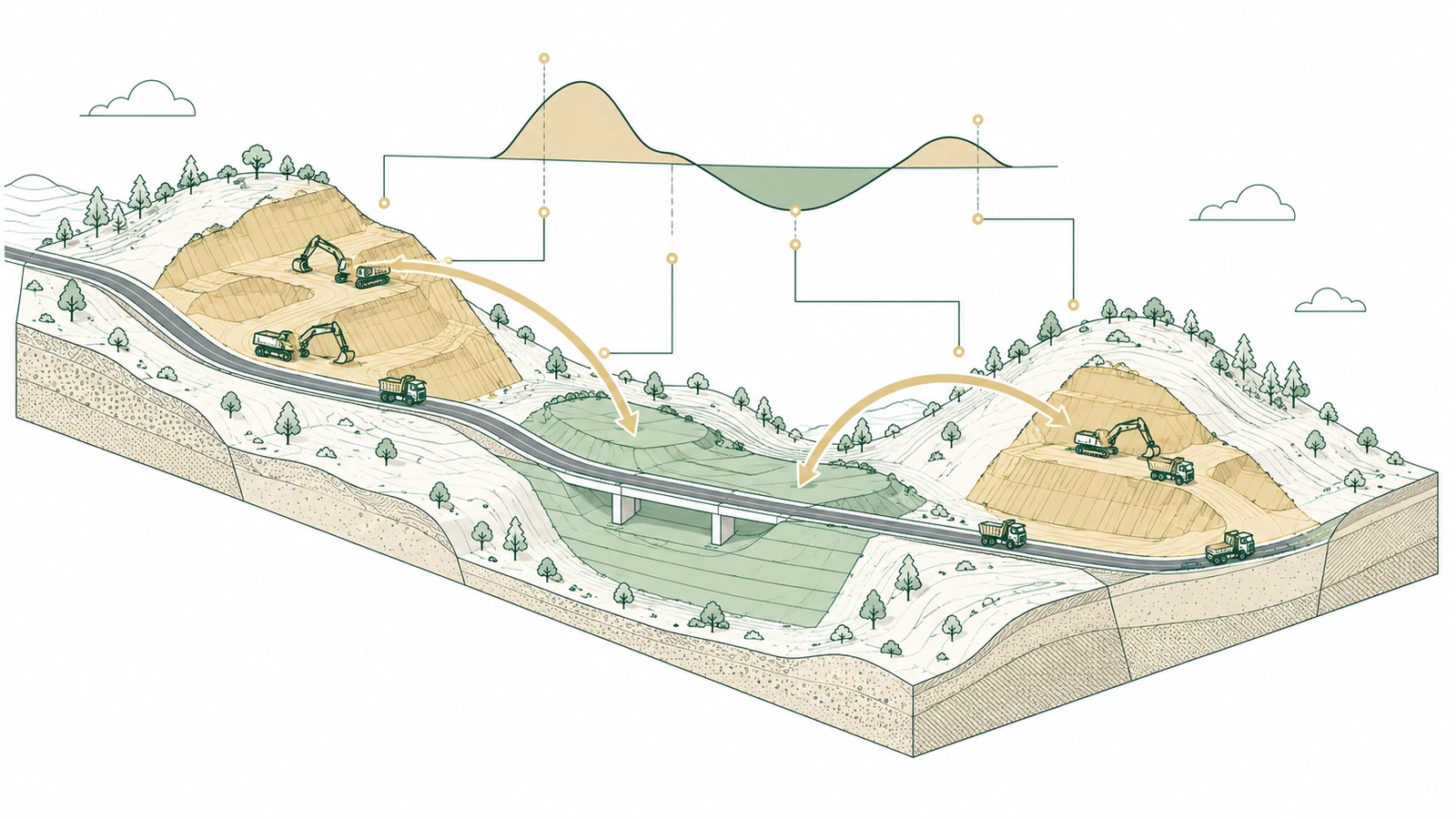
Earthwork Distribution
Civil 3D In development
Calculates the best source and destination for each cut and fill, including borrows and discards, and provides a land distribution table.
Would you like one of these in your office?
Let us know what you need and which version of Navisworks or Civil 3D your team uses. We'll put together a proposal.
The plugin that fits the way your office works
Part of what already exists
We start with the buttons in the Revit "P-LAB" and customize their behavior, parameters, and labeling to match your team's standards.
Your template, your families
The plugin works with the template and families that the firm already uses, and delivers the results exactly as your client requests.
Lifetime leave
License by code, which works without a server or an Autodesk account. It's not a subscription: it stays with the office.
A plugin tailored to your office
We start with the existing foundation and adapt it to the office’s workflow—behavior, parameters, nomenclature, templates, and families. Lifetime license per code, which works without a server or an Autodesk account. Fixed price quoted in the proposal, based on the scope.
Install it for free and see it in action
Installation takes less than two minutes, and all the tools are available right away—no credit card required and no trial period. If it helps you in your day, you can Support P-LAB.